

















Credit: Shutterstock
The Insta360 Luna Ultra gives solo creators more ways to capture vivid shots without an extra camera operator.
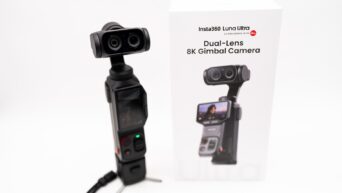
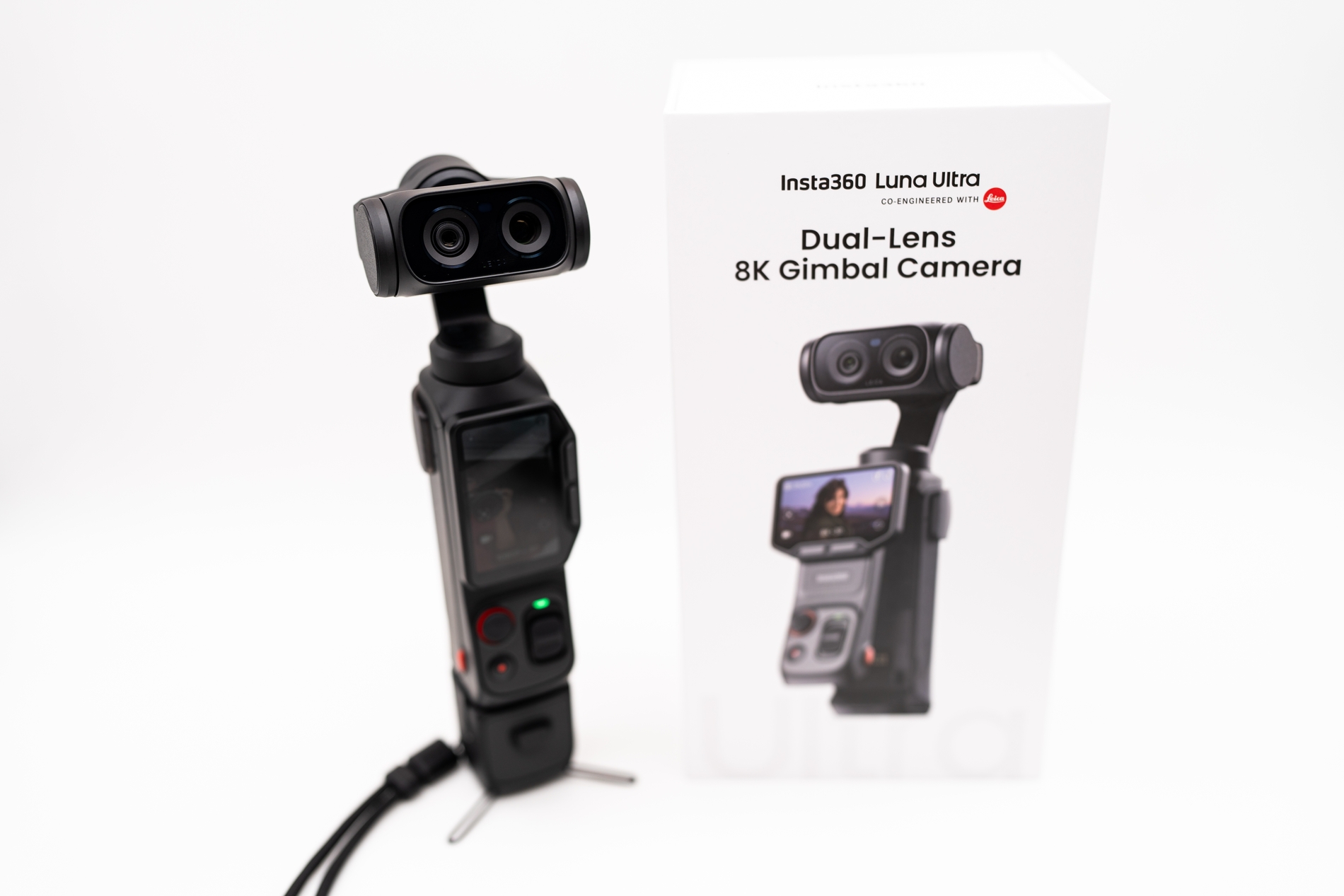
The Insta360 Luna Ultra is a premium pocket gimbal camera for creators who want stabilized video without carrying a heavy mirrorless camera and separate gimbal. It records 8K video through two lenses and can track a moving subject.
Its most useful feature, however, is the detachable touchscreen. It lets you place the camera, step into the frame, monitor the shot, control the camera, and record audio from up to 20 meters away, all with that removable touchscreen in your hand.
That combination makes the Luna Ultra a heavenly gadget for vloggers, travelers, product reviewers, fitness trainers, and small production teams. It feels premium, perfectly pocketable, and fully free of first-generation issues. It is one of the most complete compact creator cameras available on the market right now.
Now let’s dig deeper into what the Insta360 Luna Ultra offers and whether it can be your next favorite camera.
Two useful cameras in one small head
Credit: Shutterstock
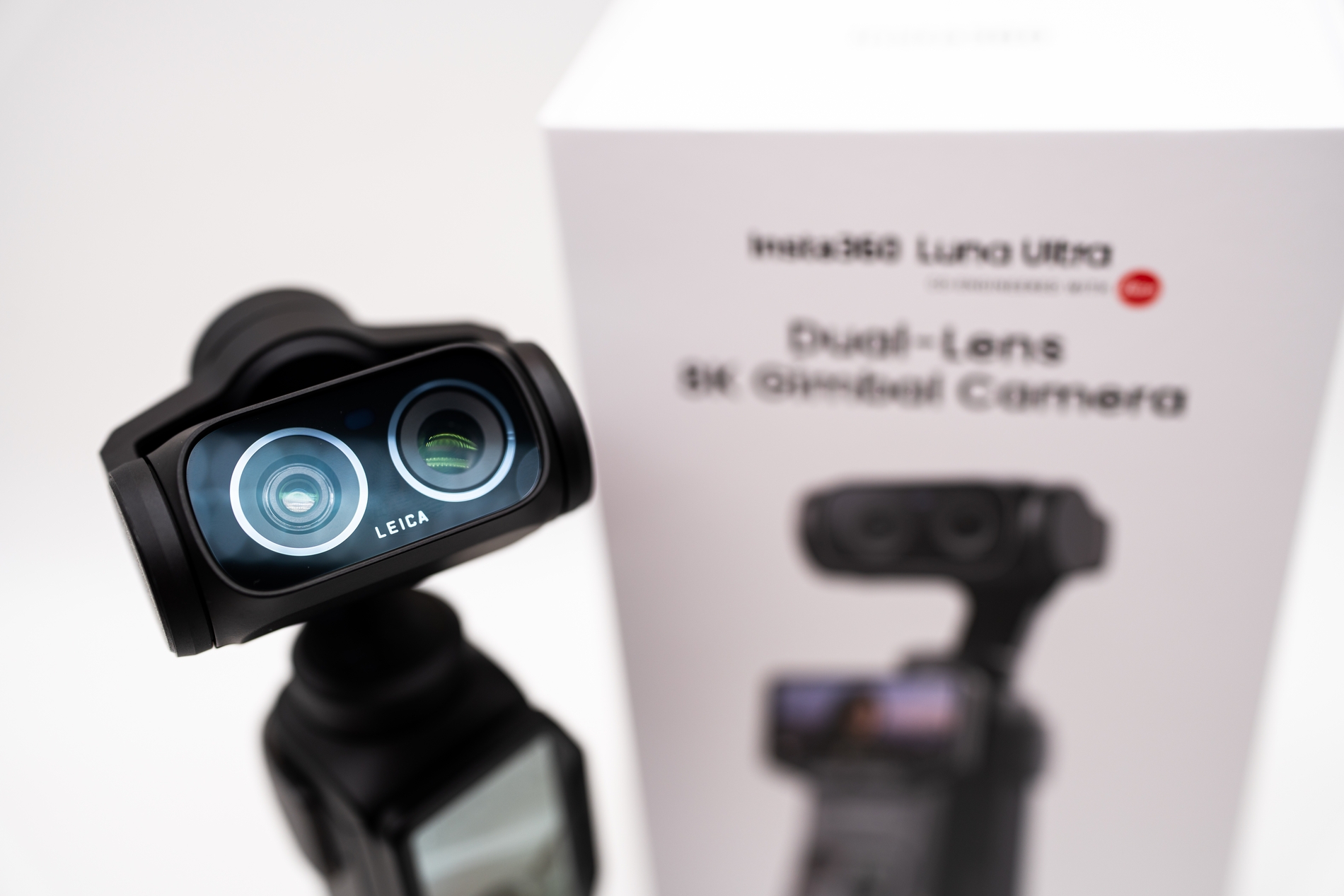
The dual-camera design is the Luna Ultra’s biggest advantage over a normal single-lens vlogging camera.
- The main camera pairs a 1-inch sensor with a 20mm-equivalent Leica Summicron f/1.8 lens. This is best for handheld vlogging, walk-and-talk footage, wide scenes, and low-light shooting.
- The other camera is a telephoto that uses a 1/1.3-inch sensor and a 60mm-equivalent f/2.0 lens. Its narrower view is better for portraits, interviews, food & product shots, stage footage, etc.
- Insta360 offers five focal-length adjustments, with optical zoom up to 6x and digital zoom up to 12x in supported modes.
Lens choice changes a video’s appearance. A wide lens works well for filming yourself at arm’s length, but it can make every shot look similar. Whereas the 60mm camera lens is better for portraits and close B-roll shots.
8K is useful, but 4K will be the go-to mode
The Luna Ultra records 8K at up to 30 fps and 4K at up to 120 fps. It also supports Dolby Vision HDR and 10-bit I-Log.
For most creators, 8K is useful because it provides extra room to crop, reframe, or stabilize footage while still exporting in 4K. However, it is less suitable for long recordings because it creates heavier files, increases processing time, and generates more heat.
The default mode is 4K. It is easier to edit, and 4K120 provides slow motion for sports, quick movement, product shots, and travel B-roll. PureVideo runs at up to 4K60 and uses computational processing to reduce noise in low light. Low-light performance for a camera this size is exceptional, but Night Mode cannot remove motion blur or restore missing detail.
The detachable screen is the smart creator feature
The two-inch OLED screen, along with the main controls, detaches from the body as one wireless module. It is the biggest feature of the Insta360 Luna Ultra. Live view and controls continue to work at a distance of up to 20 meters, and you can record audio from the microphone built into the module.
This solves several solo-production problems. You can put the camera on a tripod, walk into position, check composition and focus, start recording, adjust the gimbal, and speak into the remote. It also makes low, high, or distant placements easier.
There is one caution. Some owners have reported a weaker remote signal than expected, battery drain while the system is off, or dropped remote-microphone audio. However, you shouldn’t have any serious trouble after firmware updates.
Stabilization and tracking reduce crew requirements
The Insta360 Luna Ultra’s three-axis mechanical gimbal produces smooth walking footage. It also has Deep Track 5.0 mode, which lets you follow a selected subject, keep groups in the frame, adjust zoom during tracking, and hold a subject at a chosen point in the frame. This is valuable for tutorials, dance videos, fitness training, and presentations. The camera can act like a basic operator while the presenter concentrates on the content.
Tracking is strong, but it is not infallible. It may lose a subject when another person crosses the frame or shift focus from a foreground product back to a face. For critical shots, use the remote to monitor focus and repeat the shot when needed.
The color and post-production tools need context
10-bit I-Log matters to creators who color-grade or use several cameras to create a scene. Insta360 also provides a conversion LUT, ACES compatibility, native I-Log support in DaVinci Resolve, and timecode for multicamera work.
Those features make the camera easier to include in a professional workflow. Still, don’t treat the claim of up to 14 stops of dynamic range as a guarantee of cinema-camera latitude. You may find aggressive noise reduction and weak exposure latitude in several I-Log modes. The official LUT can also create inaccurate colors. So use a standard color profile until Insta360 improves I-Log.
I-Log adds flexibility when exposure is controlled, but it does not make badly exposed footage easy to rescue. Creators who prefer fast turnaround may get more consistent results from a standard profile or a built-in Leica look.
Audio, storage, and battery are creator-friendly
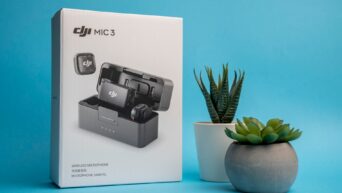
The built-in microphone is better than a simple backup. The voices will be clear, and the provided wind guard helps outdoors. The Luna Ultra can connect directly to two Insta360 wireless microphone transmitters for a two-person recording. With the Creator Bundle, you get a Mic Pro transmitter, battery handle, wide-angle lens, and pouch.
It also offers 47GB of internal storage, which helps if you forget a card or it’s full, and a microSD card can expand capacity up to 1TB.
Insta360 rates the Luna Ultra’s battery for up to four hours under lighter recording conditions. The company also claims a full recharge in appox 23 minutes with a USB-C PD charger.
What creators should know before buying
The Luna Ultra is portable, but its 233g body is larger than some pocket-gimbal rivals, especially inside the protective case. It also has exposed moving parts and is not an action camera designed for rough or wet use.
The heating issue deserves attention too. It continues 4K recording without shutting down, but several noted that the body gets warm at high resolutions. Some owners have reported shutdowns during long continuous takes. Short-form creators are less likely to hit the limit than people recording interviews, performances, or podcasts.
The software still shows signs of a new product. People have faced freezes, gimbal stutter, remote signal issues, audio artifacts, and inconsistent autofocus. So you must update the firmware immediately, then test continuous recording, stabilization, audio, autofocus, and the remote while the return period is open.
Is the Insta360 Luna Ultra worth it?
The Luna Ultra combines several creator tools that normally require more equipment. It offers a wide and telephoto lens, stabilization, subject tracking, remote monitoring, a good microphone, internal storage, and professional recording formats in one compact device.
Buy it if you film alone, want varied framing without changing lenses, and will use the remote screen regularly. It is particularly well suited to travel videos, direct-to-camera reviews, short documentaries, fitness content, food and product work, and one-person social video.
Skip it if you mainly shoot one wide angle, need long uninterrupted recording, require weather resistance, or expect a pocket camera to replace a larger professional system. The newer single-lens Luna Pro is less expensive, while a phone or simpler gimbal camera may be enough for basic walk-and-talk content.
The Luna Ultra isn’t important just because it has the highest number on the box. It is important because it gives one creator more control over composition, movement, monitoring, and sound. When those features match the way you work, the price is easier to justify.