




























Credit: Shutterstock
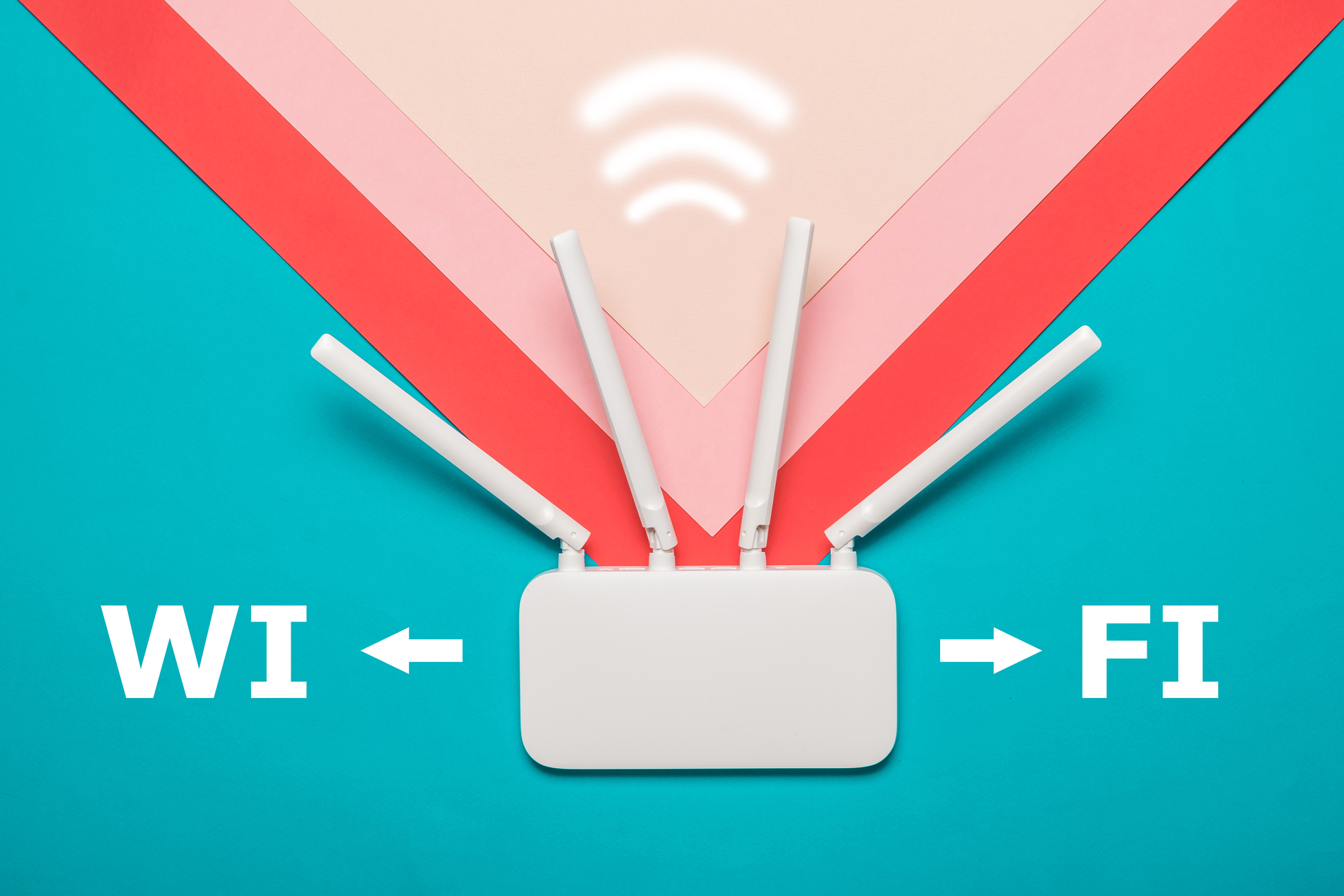
Moving your router a few feet can turn weak signals into strong, and it costs nothing.
Most people place their router wherever the internet cable happens to enter the house. That spot is often a corner, a closet, or a shelf behind the TV. None of these are good places for Wi-Fi to provide good signal strength.
This guide explains how Wi-Fi signal behaves and teaches you a simple method for finding the best spot in your home.
How Wi-Fi Signal Behaves
A router does not send signals in one direction. It broadcasts outward in all directions at once, like light spreading from a bulb. Signals grow weaker the farther they travel, and they lose more strength each time they pass through a wall, floor, or piece of furniture.
Most routers also broadcast on more than one frequency band at the same time:
- 2.4 GHz travels the farthest and passes through walls more easily, but it provides slower speeds and is more likely to pick up interference from household devices such as microwaves and cordless phones.
- 5 GHz offers faster speeds but covers less distance and loses more strength when passing through walls.
- 6 GHz, used by Wi-Fi 6E and Wi-Fi 7 routers, is the fastest band and the least crowded, but it has the shortest range of the three.
Since most Wi-Fi routers switch between bands automatically, plan the placement around the shortest-range band you rely on. If a spot gives good 5 GHz coverage, 2.4 GHz coverage in that same spot will almost always be fine.
The Three Rules for Router Placement
1. Choose a central location
A central spot puts every room closer to the router, so each one gets a stronger signal. Central does not have to mean the exact middle of the house. It means central relative to the rooms where you actually use Wi-Fi, such as the living room, home office, and bedrooms. For example, a router near a hallway that connects several rooms often works better than one placed at the home’s true geometric center.
2. Get it off the floor
Placing a router on the floor sends much of its signal into the ground, where it serves no purpose. Put the router on a shelf, table, or wall mount instead. This keeps the router above furniture and closer to the level of the phones, laptops, and tablets it connects to.
3. Keep it in the open
Enclosed spaces block signal. A router inside a cabinet, tucked into a closet, or set behind a television has to pass its signal through solid material before reaching any room. Keep it out in the open, away from thick walls and obstacles.
Step-by-Step: Finding Your Best Spot for Wi-Fi Router
- List the rooms where you use Wi-Fi most. Spaces you rarely enter, such as a garage or guest walking closet, matter the least.
- Pick a location that is roughly central to that list. Check whether a power outlet and an internet cable connection are available there.
- Test the signal in each key room. Check the Wi-Fi signal strength on your phone while standing in each room. Free apps like Wi-Fi Analyzer show signal strength as you move through the house, which makes weak spots easy to find.
- Compare two or three other spots. Move the router to each one for a few minutes and repeat the test. Even a few feet can make a noticeable difference.
- Adjust the antennas if the router has them. For coverage on a single floor, point the antennas straight up. For coverage across multiple floors, angle at least one antenna 30 to 45 degrees instead of leaving it vertical.
Placement in Multi-Story Homes
In a home with more than one floor, “central” applies to height as well as floor space. The signal has to travel both across a floor and through a floor or ceiling to reach the other level. A good starting point is placing the router high on the first floor, near the ceiling, or low on the second floor, near the floor. Both positions keep the router at a similar distance from rooms on either level.
Avoid placing the router in a basement. The signal has to pass through an extra floor to reach the rest of the house, and basements often have thicker walls and more concrete, which further weakens Wi-Fi. In homes with three or more floors, a single router rarely provides enough coverage no matter where it sits. This is where you need a Wi-Fi repeater or extender.
Quick Final Checklist
- Place the router centrally in the rooms you use most.
- Elevate it on a shelf or table. Never leave it on the floor.
- Keep it out in the open, away from cabinets, walls, and large furniture.
- Avoid microwaves, cordless phones, mirrors, fish tanks, and metal furniture.
- In multi-story homes, place it high on a middle or lower floor rather than in a basement.
- Test signal strength in each room with your phone, a laptop, or a free analyzer app, and compare a few locations before settling on one.
- If your home is larger than about 1,500 to 2,000 square feet or has three or more floors, plan for a Wi-Fi repeater or extender.