


























Credit: Shutterstock
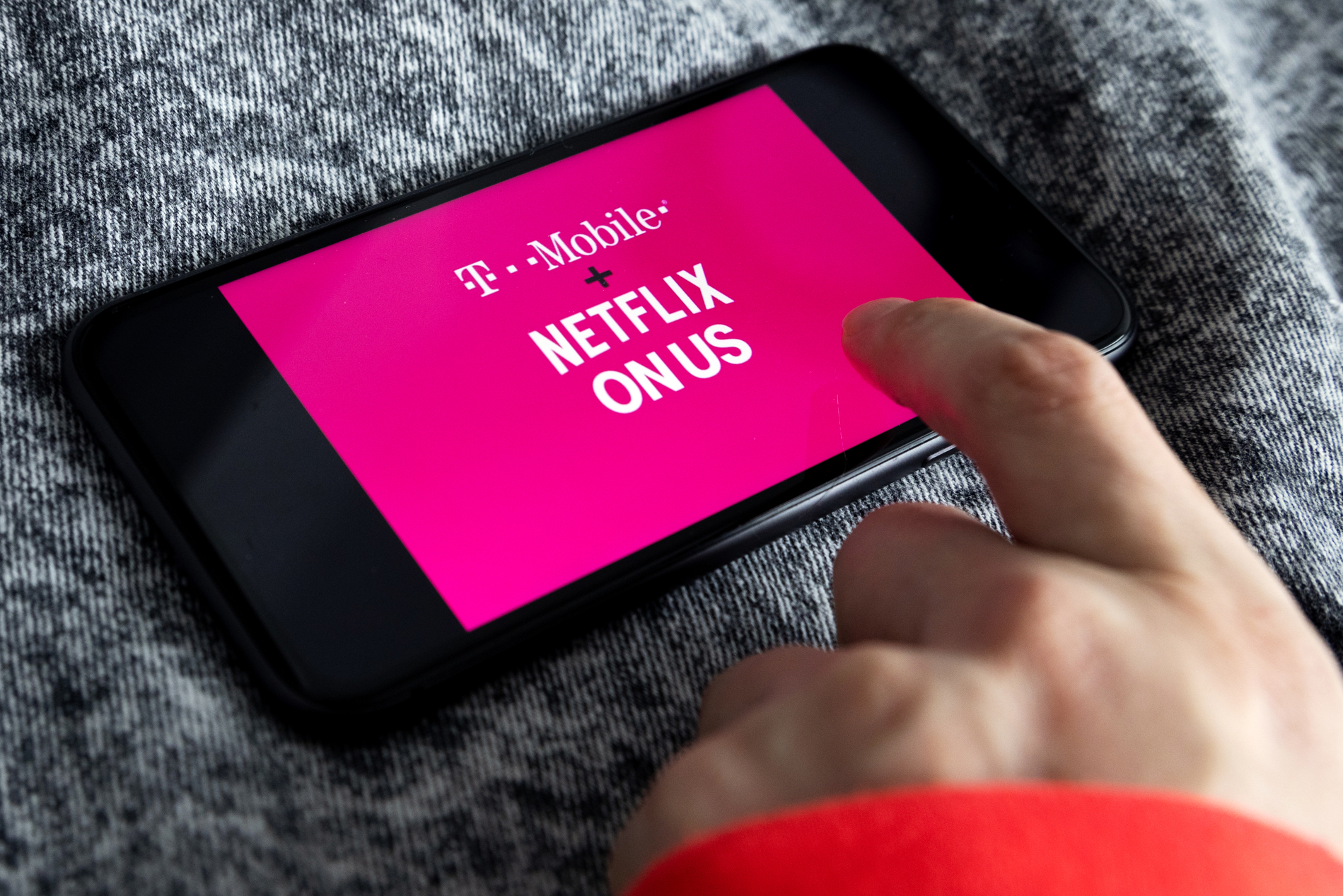
Some T-Mobile plans include Netflix and Hulu for free, plus a discount on Apple TV.
T-Mobile’s Experience More and Experience Beyond plans come with streaming perks. Both plans include Netflix for free; Experience Beyond includes Hulu for free, and Apple TV is discounted to $3 a month. Eligible customers can also add six months of SiriusXM and four months of Pandora Premium at no charge. None of these perks start automatically, so you must add each one to your T-Mobile account and link it to an account with that service.
This guide shows which plan includes which perk, what to check before you start, and how to claim each offer. It also covers the conditions that can lead to later charges.
Which plan includes which perk
| Perk | Experience More Plan | Experience Beyond Plan |
| Netflix Standard with ads | Included | Included |
| Hulu (With Ads) | Not included | Included |
| Apple TV | $3 per month | $3 per month |
One line costs $90 per month on Experience More and $105 on Experience Beyond before discounts. AutoPay with a bank account or debit card saves about $5 per line, bringing the two plans to $85 and $100, respectively, excluding taxes and fees. T-Mobile currently sells these plans as Experience More 2.0 and Experience Beyond 2.0, and older versions of both plans also qualify for these perks.
Experience More 2.0, Experience Beyond 2.0, Go5G, Go5G Plus, Go5G Next, Magenta, and Magenta MAX are eligible for the free SiriusXM and Pandora offers.
Prepaid plans, Mobile Internet-only plans, Home Internet without a wireless line, and business accounts are not eligible.
Customers on older Go5G plans may also qualify for some perks. T-Mobile’s terms list Go5G Plus and Go5G Next for Netflix, Go5G Next for Hulu, and a six-month Apple TV trial for Go5G plans that renews automatically at the current price.
Before you start
Check these requirements first:
- Your plan includes the perk you want, based on the table above.
- You have a T-Mobile ID and can sign in to the T-Life app or to T-Mobile.com.
- You are the Primary Account Holder, or an Authorized User for Netflix or Apple TV.
- You have an account with each service, or you are ready to create one during activation.
- You meet the age and location rules. Apple TV is for use in the United States and requires you to be at least 13. Pandora requires you to be a U.S. resident aged 18 or older. SiriusXM streaming works only in the 50 U.S. states and Puerto Rico.
Then check whether you already pay for any of these services. An existing subscription can block an offer or change how it starts, as explained in the table below:
| Service | If you already subscribe |
| Netflix | You can link your existing account. You still need to activate it, and it may take 1-2 billing cycles. Netflix keeps billing you until the T-Mobile offer starts. |
| Hulu | Cancel your Hulu subscription and wait until the billing period ends. You’ll lose any promotional pricing, and Hulu won’t refund fees you’ve already paid. |
| Apple TV | A paid subscription billed through Apple pauses when you redeem the offer. A free trial that came with an Apple device must end first. |
| SiriusXM | The offer is not available with an active SiriusXM subscription or a SiriusXM trial or promotion used in the last 12 months. |
| Pandora | The offer is not available to paid Pandora subscribers. A Pandora Free account is upgraded to Premium when you add the offer. The offer may also be unavailable if you previously redeemed another Pandora offer. |
How to claim each perk
Netflix
- Open the T-Life app and sign in with your T-Mobile ID.
- Select Manage, then See plans, then Manage add-ons.
- Under Services, choose Netflix, select the Netflix benefit you want, then select Add subscription.
- Review your order, then select Agree & Submit.
- Select Start Activation. Netflix.com opens.
- Sign in with your current Netflix account or create a new one, confirm the plan details, and select Start Watching.
Hulu
- Open the T-Life app and sign in as the Primary Account Holder.
- Select Manage, then See plans, then Manage Data & Add-ons.
- Under Services, select the Hulu option and select Continue.
- Review the order, then select Agree & Submit.
- Review the third-party service terms, then select Start Activation. T-Mobile will text you a link.
- Open the link and finish registration on Hulu’s site. Enter your email address and select Continue, enter your password and select Log In, then fill in the additional details and select Save & Continue.
Only one Hulu plan is available per account. The Hulu perk is the With Ads plan, and changing your Hulu plan after you redeem it ends the offer.
Apple TV
- Sign in to T-Life with your T-Mobile ID, then select Manage, See plans, and Manage Data & Add-ons. On T-Mobile.com, select View details for a line, select the line, then choose Manage Add-Ons.
- Under Services, choose Apple TV and select Continue.
- Choose whether to activate now or at the next bill cycle.
- Review the cost summary, then select Agree & Submit. For a promotional offer, the summary shows the price you will pay after the promotion ends.
- Select Start Activation. T-Mobile texts an Apple TV registration link to the Primary Account Holder. If no Primary Account Holder is set, the message goes to the first line on the account.
- Open the link. On an iPhone or iPad, the Apple TV app opens. Select Activate Apple TV and verify your mobile number. On Android or in a web browser, the Apple TV page opens. Select Activate Apple TV, sign in or create an Apple Account, and verify your mobile number.
A “Subscribed to Apple TV” message confirms the activation. Android users can watch in the Apple TV app from Google Play or at tv.apple.com. Each T-Mobile account can have one active Apple TV subscription, and you can share it with up to five family members through Apple Family Sharing. T-Mobile’s terms add that the offer may take 1 to 2 bill cycles.
SiriusXM and Pandora
- Sign in to T-Life or T-Mobile.com with your T-Mobile ID.
- Open Manage Data & Add-ons and add the SiriusXM or Pandora Premium offer.
- Select the activation link that T-Mobile shows or texts to you.
- For SiriusXM, enter your email address, create a password, and select Submit. For Pandora, sign in with your Pandora account or select Sign Up to create one.
For SiriusXM, the offer period starts when you add the offer to your T-Mobile account, so activate it right away. For Pandora, the redemption link expires 30 days after you receive it. You can also add either offer at a T-Mobile store or by calling 611 from your T-Mobile phone; T-Mobile will then text you the redemption link.
SiriusXM All Access (App Only) works in the SiriusXM app, on the web, and on connected home devices.
The Final Note
Netflix and Hulu stay included only as long as you keep a qualifying plan and line in good standing. Apple TV isn’t free; it costs $3 a month on the Experience plans. SiriusXM and Pandora are limited-time offers that renew automatically at the then-current price, so cancel before the free period ends if you do not want to pay. For Pandora, you must cancel at least 24 hours before the renewal date.
T-Mobile can change or end these perks at any time, and this guide reflects the details as of October 16, 2026. Reports also say T-Mobile may soon launch a new plan lineup called T-Mix, which T-Mobile has not announced. Confirm your offer in the T-Life app and on T-Mobile’s plan page before you sign up or switch plans.