























Credit: Shutterstock
You’re not bad at AI. You’re just using the wrong tool for the job. A hammer is great until you need a screwdriver.
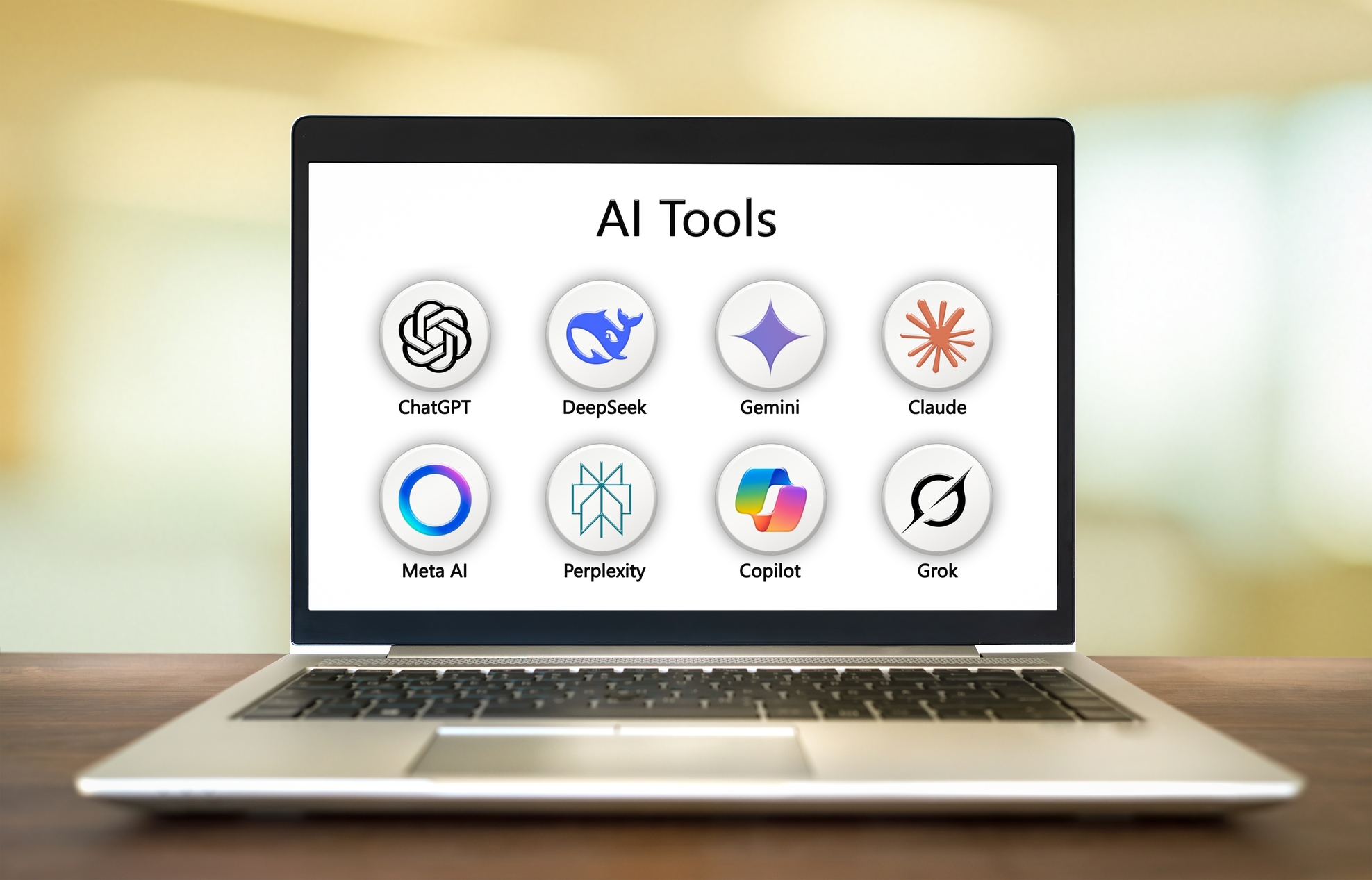
There are now dozens of AI tools fighting for your attention, each one claiming to do everything. They don’t. Each one has a sweet spot, a task it handles better than the rest. Use the right tool for the right job, and you’ll feel like a genius. Use the wrong one, and you’ll feel like AI is overrated.
This guide will help you match every task to the right AI tool in 2026.
The Simple Rule Before You Read Anything Else
Ask yourself: What am I trying to do right now? Then come back here and find that task. That’s it.
Task 1: Writing (Essays, Emails, Blog Posts, Reports)
The winner: Claude for long, thoughtful writing. ChatGPT for quick, versatile writing. Avoid using Perplexity or NotebookLM for writing. They are not writing tools.
Use Claude when:
- You’re writing a research paper, a detailed report, a long email chain
- You want the writing to sound natural and well-reasoned, not robotic
- You’re giving it a lot of background to read before it writes
Claude handles large amounts of text better than any other tool, and it writes more polished and human.
Use ChatGPT when:
- You need a short email, a product description, or a social media post
- You want to go back and forth, tweaking and adjusting in conversation
- You’re not sure what you need and want to explore ideas
Use Gemini when:
- You’re already writing inside Google Docs
- You want to pull in current information while writing (it has live Google access)
Task 2: Research (Finding Facts, Understanding Topics, Studying)
The winner: Perplexity for finding information. NotebookLM for going deep into your own documents. Don’t use ChatGPT for research if accuracy matters. It can confidently give you wrong information and make up fake sources.
Use Perplexity when:
- You have a factual question and want a real answer with sources
- You’re researching a current topic (news, recent studies, market info)
- You’re a student and need citations for academic work
- You want something more trustworthy than a regular Google search
Perplexity searches the web in real time, reads the results, and gives you an answer with numbered sources. It’s the most trustworthy free AI for factual research right now.
Use NotebookLM when:
- You already have PDFs, articles, or lecture notes, and want to make sense of them
- You want to ask questions from inside a specific set of sources
- You’re preparing for an exam and want to generate a study guide from your own notes
- You want it to create a podcast-style audio summary of your uploaded materials
NotebookLM cannot make up facts because it only works from what you upload. That’s actually a feature, not a bug, to keep things accurate.
The power combo: Use Perplexity to find 4–6 strong sources on a topic. Download or copy those sources. Upload them into NotebookLM. Now ask deep questions. This two-step workflow covers an entire research cycle.
Task 3: Coding (Writing Code, Fixing Bugs, Building Apps)
The winner: GitHub Copilot or Cursor if you’re a developer. Claude or ChatGPT if you just want code explained or written in chat.
If you write code professionally:
- Cursor is the best AI-powered code editor in 2026. It understands your entire project, not just one file. It is like a developer who reads your whole codebase before making a change.
- GitHub Copilot is the most widely used tool in the industry and is excellent for in-editor autocomplete and quick suggestions.
- Claude Code (terminal-based) is top-ranked on coding benchmarks, best for experienced developers handling large, complex projects.
If you’re a student or non-developer who needs help:
- ChatGPT is beginner-friendly. You describe what you want in plain English, it writes the code, and you can ask it to explain every line.
- Claude is better when the code is long, complex, or part of a bigger project. It’s less likely to lose track of what it’s doing.
Task 4: Image & Design (Creating Visuals, Illustrations, Marketing Graphics)
There is no one winner. It depends on what kind of image you need.
| What you need | Use this |
| Artistic, cinematic, beautiful images | Midjourney |
| Images that match your description exactly | DALL-E (inside ChatGPT) |
| Images with text in them (posters, signs, ads) | Ideogram |
| Commercial use with zero copyright risk | Adobe Firefly |
| Quick visuals for social media, presentations | Canva AI |
| Extending or editing existing images | Adobe Firefly |
Task 5: Productivity Inside Office Apps (Emails, Spreadsheets, Presentations, Meetings)
The winner: Microsoft Copilot if you use MS Office. Gemini, if you use Google Workspace.
Use Microsoft Copilot when:
- Your work life runs on Word, Excel, Outlook, PowerPoint, or Teams
- You want to summarize email threads, draft replies, clean up spreadsheets, or auto-generate presentation slides
- Your company already pays for Microsoft 365 — Copilot Pro is often included or available as an add-on
Use Gemini Advanced when:
- You live in Google Docs, Gmail, Sheets, and Drive
- You want to summarize your emails, draft responses, or generate content inside Google’s apps
Task 6: Learning Something New (Explaining Concepts, Tutoring, Understanding Difficult Topics)
The winner: ChatGPT for most things. Claude for dense, complex material.
ChatGPT is great when you want a quick, clear explanation. Ask it to explain something, “like I’m 10 years old,” and it will. It’s conversational, patient, and will go back and forth with you as many times as needed.
Claude is better when the topic is genuinely hard and requires careful, step-by-step reasoning, such as philosophy, law, advanced science, and long academic texts. It’s less likely to oversimplify or get things wrong when the material gets complex.
Task 7: Video, Audio & Presentations
For video generation: In 2026, Google Veo 3.1, Sora (OpenAI), Runway, and Kling AI are the best. Here’s what differentiates them:
- Google Veo 3.1 — Currently the strongest all-round AI video tool. It generates video and audio in a single pass. Best for cinematic quality and realism.
- Sora (OpenAI) — Leads on physics simulation and human motion realism. Best for complex narrative scenes. Access has been inconsistent in 2026.
- Runway — The most creator-friendly. Better post-production controls, longer clips, and easier editing workflow. Best if you need to publish, not just generate.
- Kling AI — Strong competitor, particularly for stylized and animated content.
For audio/podcasts from documents: NotebookLM generates surprisingly good two-person podcast-style audio summaries of your uploaded materials.
For presentations: Canva AI and Gamma.app turn a basic outline into a full slide deck with design, layout, and visuals. Much faster than building from scratch in PowerPoint.
The Master Cheat Sheet
| Task | Best Tool | Runner-Up |
| Long-form writing / essays | Claude | ChatGPT |
| Quick writing / emails | ChatGPT | Gemini |
| Research with sources | Perplexity | Gemini |
| Deep dives into your own documents | NotebookLM | Claude |
| Coding (professional) | Cursor / GitHub Copilot | Claude Code |
| Coding help (students/beginners) | ChatGPT | Claude |
| Artistic image generation | Midjourney | DALL-E |
| Images with text (posters/signs) | Ideogram | DALL-E |
| Commercial-safe images | Adobe Firefly | Ideogram |
| Office productivity (Microsoft) | Microsoft Copilot | ChatGPT |
| Office productivity (Google) | Gemini | ChatGPT |
| Learning / explaining concepts | ChatGPT | Claude |
| Presentation decks | Gamma.app / Canva AI | Copilot |
| Audio summaries from documents | NotebookLM | — |