















Credit: Shutterstock
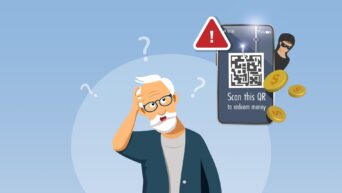
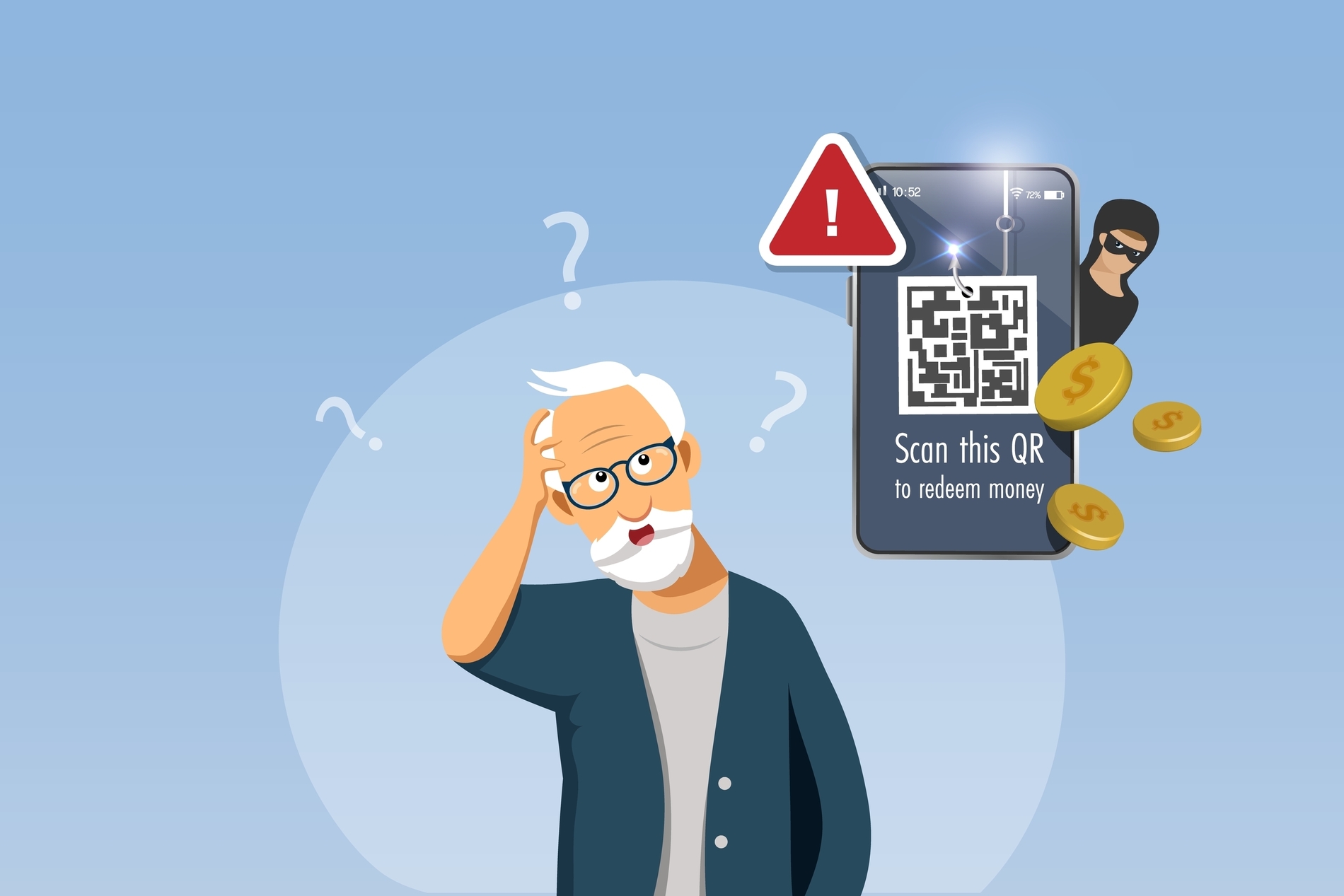
QR code scams, known as “Quishing,” rose by roughly 146% in the first months of 2026.
This guide teaches you to stay safe when scanning QR codes. You can also share these tips with your family and friends to help them avoid scams.
Check the Link Before You Tap
The easiest way to avoid a Quishing scam is also the fastest and easiest one. Preview the web address before you open it.
Every modern phone shows the destination link before it opens the page. Read that link. If the domain does not match the company it claims to be from, stop there and do not tap it.
On iPhone or Android:
- Open the Camera app or Google Lens and point it at the QR code.
- Wait for the banner to appear on the screen.
- Read the full web address shown in the banner.
- Only tap it if the domain looks correct and familiar.
If no banner appears of an iPhone, go to Settings, then Camera, then turn on Scan QR Codes. This single habit blocks most Quishing attempts, because the scam depends on people tapping without looking first.
Why This Scam Works
Quishing hides a harmful link inside a QR code image instead of typing it out as text. Email and text filters scan words, not pictures, so the link can slip past spam filters that would normally catch it. Once the code reaches a phone, the small screen makes a fake or misspelled web address easy to miss.
Some scammers also switch the destination after the message has already been delivered. The code looks harmless when security software first checks it, then starts pointing to a scam site later.
More Ways to Protect Yourself
Once the link-check habit above feels automatic, add these for extra protection.
1. Don’t scan unexpected codes.
Be cautious of a QR code in an unexpected package, an unsolicited text, or an email you weren’t expecting, especially one warning about a delivery problem or account issue. Scammers create urgency so you scan before thinking it through.
2. Check for mimicked QR code stickers.
On parking meters, restaurant tables, and posters, look for a QR code that feels raised or slightly different in print quality from the sign around it. A fake sticker placed over a real code is a common physical version of this scam.
3. Look for HTTPS and correct spelling in URL.
Before entering any information, check that the address starts with https:// and that the company name is spelled correctly. A site such as “http://arnaz0n-pay.com” is not Amazon, even if the page looks similar.
4. Never enter a password or card details right after scanning.
If a QR code leads to a login or payment page, close it and go to the company’s official app or website directly instead. Legitimate businesses do not require a login through a scanned code.
5. Keep your phone updated and turn on multi-factor authentication.
Install operating system updates when they are available, and enable multi-factor authentication on your important accounts. This won’t stop a scam on its own, but it limits the damage if you make a mistake.
If You Already Scanned a Suspicious Code
If you scanned a code and entered a password or payment information, act right away:
- Change that password immediately and turn on multi-factor authentication if you haven’t already.
- Contact your bank or card issuer if you entered any payment details.
- Run a scan with your phone’s built-in security feature or a reputable mobile security app.
- Report it to the FTC at ReportFraud.ftc.gov, or IdentityTheft.gov if personal information was taken.
If you notice unusual account activity or unexpected charges after scanning a code, contact your bank immediately, even if you are not certain the QR code caused it.
The One Habit That Stops Most Quishing Scams
Treat every QR code the way you would treat an unfamiliar link. Check where it leads before you tap, and never scan a code you weren’t expecting. That one habit stops the large majority of Quishing scams before they start.