























Credit: Shutterstock
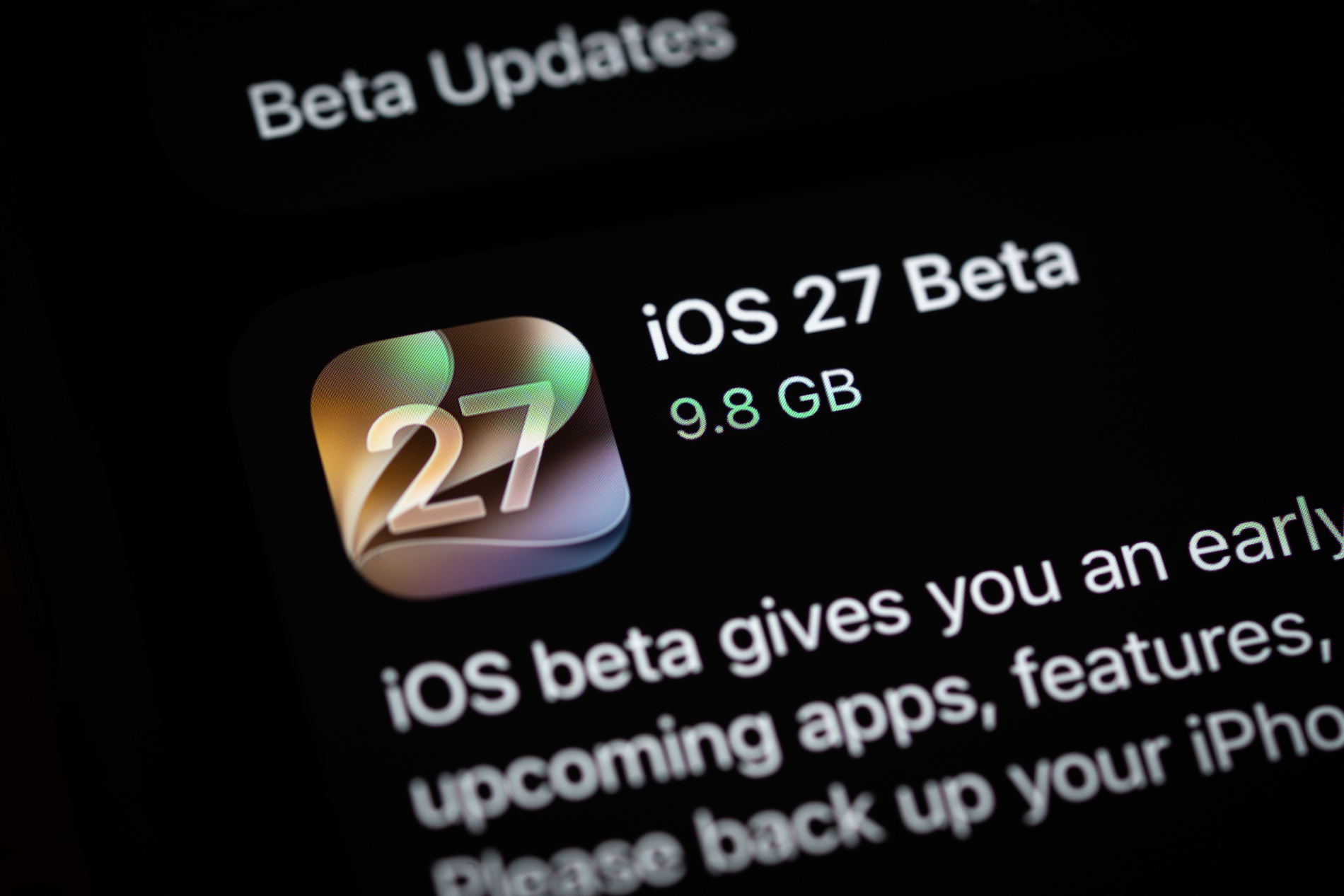
Apple’s newest iPhone OS is now available to the public, months ahead of its official release.
The iOS 27 public beta launched on July 13, 2026, after Apple released three developer betas following WWDC 2026 on June 8. It introduces a redesigned Siri, more Apple Intelligence features, and several other improvements.
The final version is expected in September 2026, but you can try the public beta now through Apple’s Beta Software Program if you have a compatible iPhone.
What’s New
Here is what you can try with iOS 27 public beta:
1. Siri AI
Siri now works as its own app and also appears in the Dynamic Island. It can search across Mail, Messages, Notes, Reminders, and Calendar, and it understands follow-up questions without needing repeated context. It can also process text, images, audio, and video. At launch, it supports only select English variants and will not be available in the EU right away.
2. Liquid Glass
The interface gets more customization options, including a new transparency slider.
3. Camera and Visual Intelligence
The Camera app can turn a photographed barcode into a Wallet pass or pull event details from a photographed flyer.
4. Photos
Three new editing tools let you remove larger distractions from a photo, extend an image beyond its original frame, or adjust the apparent camera angle after a shot is taken.
5. Safari
Tabs can sort automatically by topic, and Safari can build a simple browser extension from a written description.
6. Shortcuts
You can describe what you want in plain language, and the app builds the shortcut for you. You can then refine it with more requests or edit it manually.
7. Passwords
The app can automatically replace weak or compromised passwords.
8. Screen Time
The app has a new design with added child safety controls.
9. Performance
Animations, app launches, and AirDrop transfers all feel faster.
Which iPhones Support iOS 27
iOS 27 supports the same iPhones as iOS 26: iPhone 11 and later, including the iPhone SE (2nd generation) and newer. However, Apple Intelligence features, including Siri AI, will only work on an iPhone 15 Pro, iPhone 15 Pro Max, or any iPhone 16 model or newer. The most advanced on-device AI features, such as expressive custom Siri voices, are limited to the iPhone 17 Pro, iPhone 17 Pro Max, and iPhone Air.
How to Install the iOS 27 Public Beta
- Back up your iPhone first, since beta software can be unstable, and you may lose your data.
- Sign up for Apple’s Beta Software Program at beta.apple.com if you have not already.
- On your iPhone, open Settings, then General, then Software Update.
- Tap Beta Updates and select iOS 27 Public Beta.
- Download and install the update.
The people who download it describe this beta as more stable than usual. Even so, Apple recommends installing it on a secondary device rather than your main iPhone, since bugs and extra battery drain are still possible.
What Comes Next
Apple is expected to release new developer betas every two weeks, with beta 4 likely around July 20 and beta 5 around August 3. Weekly beta updates may begin in August as Apple prepares for the final release. While Apple hasn’t confirmed the schedule, the stable version of iOS 27 is expected to launch in September 2026, alongside the company’s annual iPhone event. Yeah, iPhone 18 is about to be born!