




























Credit: Shutterstock
DJI has finally found a solution for scratched, cracked lenses.
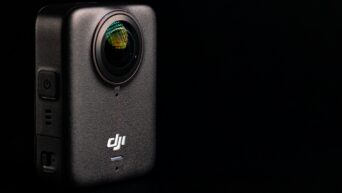
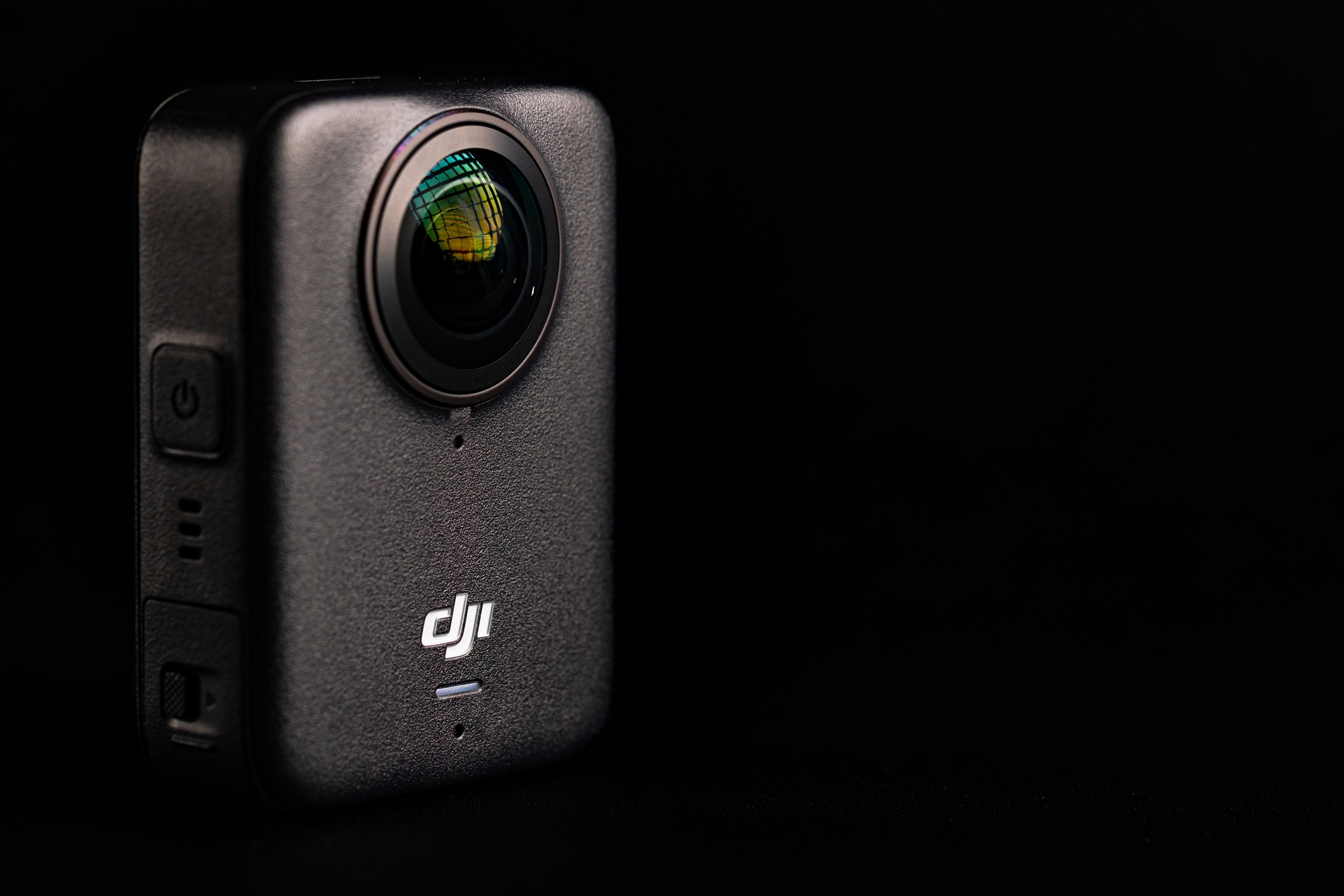
The DJI Osmo 360 II is a big upgrade over its predecessor. It brings 8K recording at 60fps, improved low-light performance, user-replaceable lenses, and several creative features to make capturing and editing 360-degree footage easier. DJI has also retained the compact design, weighing just 183g.
After spending time shooting in daylight, at night, and while moving, I have found five features that make the DJI Osmo 360 II worth considering.
1. Replaceable Lenses
This is arguably the biggest reason to buy the DJI Osmo 360 II.
Unlike conventional action cameras, 360-degree cameras have two exposed lenses that protrude from the body. This design makes them particularly vulnerable to scratches, especially when mounting the camera on a helmet, placing it on a bike, or carrying it without adequate protection.
The original Osmo 360 made this a real concern because lens damage meant sending the camera to DJI for service. The Osmo 360 II takes a much more practical approach by introducing user-replaceable lenses.
Both lenses also feature an advanced protective coating for scratch and wear resistance. However, accidents can still happen, which is why being able to replace a damaged lens yourself is such a welcome addition.
The replacement process is straightforward, and DJI sells a dedicated Lens Replacement Kit containing two lenses. At £35, it is considerably cheaper than sending the entire camera in for repair.
For anyone who regularly shoots mountain biking, skiing, motorcycling, or other outdoor activities, this feature alone makes the Osmo 360 II a much more reassuring camera to carry.
2. Native 8K Recording at 60fps
Higher resolution is always welcome, but combining 8K recording with 60fps makes the DJI Osmo 360 II interesting for action videography.
The original Osmo 360 shoots at 8K/50fps. The new model raises the frame rate to 60fps, capturing smoother motion while retaining plenty of resolution for later reframing.
This is especially useful when recording cycling, skiing, motorcycle rides, and other fast-moving activities. Since a 360 camera captures everything around it, you don’t have to worry about choosing the perfect angle before pressing record.
DJI also claims up to 14.5 stops of dynamic range on the Osmo 360 II, compared with 13.5 stops on the original Osmo 360. All video formats support 10-bit color, while D-Log M gives creators more flexibility if they prefer grading their footage.
There is one important limitation worth remembering. The 8K resolution applies to the entire 360-degree image, not the individual flat video you export after reframing. Consequently, the final cropped footage won’t retain the full 8K resolution.
Nevertheless, the combination of high resolution, smoother frame rates, and flexible reframing makes this a compelling upgrade.
3. SuperNight 2.0 for Low Light Recording
Low-light recording has always been the most challenging aspect of 360 cameras. Small sensors and the need to capture an entire environment can make nighttime footage look noisy, soft, and lacking in detail.
DJI attempts to address this with its new SuperNight 2.0 processing on the Osmo 360 II.
This feature uses an improved AI-powered noise-reduction algorithm to produce cleaner low-light footage. More importantly, it now supports 8K recording at up to 60fps, giving creators greater flexibility than the original camera’s SuperNight mode.
However, SuperNight 2.0 isn’t a magic solution. Extremely dark scenes can still show noise and lost detail. You also cannot use D-Log M while recording in this mode.
Still, it’s an important improvement for anyone who frequently captures evening rides, nighttime city scenes, or outdoor adventures after sunset.
4. Spotlight Follow
One of the biggest advantages of owning a 360 camera is that you don’t need to frame every shot while recording. The downside is that you often have to spend time choosing angles and tracking subjects during editing.
DJI Osmo 360 II’s new Spotlight Follow feature aims to make that process easier.
You can register yourself or another subject, and the camera will track that person while recording the entire 360-degree environment. Moreover, when you open the footage in DJI Mimo or DJI Studio, the tracking information helps produce a ready-to-export flat video.
You can export the video at up to 4K/30fps, which is especially useful for social media content, travel videos, and action footage.
It also reduces the need to create keyframes manually throughout a clip. That’s a meaningful convenience for creators who want to spend less time editing and more time shooting.
However, there is one limitation. If the camera loses the registered subject for more than five seconds, you need to manually lock onto them again.
5. Creative Shooting Modes
The DJI Osmo 360 II isn’t just about recording standard 360-degree videos. It also offers several creative modes that give content creators more ways to experiment.
Here are some of the highlights:
- 16K 360-degree timelapse: Capture expansive timelapse footage and process it using DJI Studio.
- Vortex mode: Create dramatic rotating footage with support for up to 8K/120fps capture. You’ll need the separately sold Osmo Vortex Rotating Handle to achieve the intended effect.
- 4K/240fps slow motion: Capture fast-moving action at high frame rates, with additional slow-motion options available through DJI Studio’s AI frame interpolation.
- 120MP panoramic photos: Capture detailed 360-degree still images, with HDR and RAW support for additional editing flexibility.
I particularly like the flexibility offered by the slow-motion options. They make the camera more interesting for capturing sports, stunts, and other fast-moving scenes.
That said, not every mode is equally useful in every situation. For example, 4K/240fps footage can show more noise in shadow areas, so 8K/60fps can sometimes produce a cleaner result when you want to slow footage down in editing.
The important thing is that DJI gives creators plenty of options beyond simply pointing the camera and recording.
Final Thoughts
The DJI Osmo 360 II is a meaningful improvement over the predecessor, even though it doesn’t reinvent the entire camera.
The replaceable lenses are arguably its most practical upgrade, while 8K/60fps recording and SuperNight 2.0 make it more capable for action and nighttime footage. Spotlight Follow also reduces some of the work involved in turning 360-degree recordings into conventional videos.
However, existing Osmo 360 owners don’t necessarily need to rush out and upgrade. The design, weight, and battery performance remain familiar, and the improvements are evolutionary rather than a complete transformation.
For first-time buyers, though, the Osmo 360 II makes a compelling case. It’s a versatile camera with impressive recording capabilities, useful creative tools, and a much more practical approach to lens durability.
If you’re looking for a premium 360-degree camera for travel, sports, or everyday creative projects, the DJI Osmo 360 II deserves a place on your shortlist.