






























Credit: Shutterstock
Your phone keeps ringing from numbers you don’t recognize and the fix is already sitting in your settings
Scam calls are out of control. The average American gets about eight spam calls every single week. And honestly, the rules and regulations meant to stop them just aren’t working. But here’s the thing nobody talks about enough: you already have everything you need to fix this sitting right in your phone settings.
Stop Answering, Seriously
This sounds too simple, but it’s the most important thing you can do. When you pick up an unknown call, even just to say “wrong number,” you’re telling the scammer that a real person lives at this number and that they actually answer. Your number then gets sold to other spammers and things get worse fast.
If a call comes in and you want to stop the ringing without tipping anyone off, just press the Sleep/Wake button on the side of your phone once. Your phone goes quiet, but the caller still hears it ringing until voicemail picks up. Clean and simple.
iPhone Users, Here’s Your Fix
Apple has a built-in setting that does most of the work for you. Go to Settings, tap Phone, then tap Silence Unknown Callers and switch it on. From that point forward, any number that isn’t saved in your contacts goes straight to voicemail without making a single sound on your end. You won’t even know the call happened until you check your voicemail list.
If you’re running iOS 17 or later, you also get Live Voicemail. When an unknown number calls and starts leaving a message, tap the Voicemail button on your lock screen. You’ll see a real-time transcript of exactly what they’re saying as they say it. If it turns out to be your doctor’s office calling with your test results, jump in and take it. If it’s a robocall, you’ll know in about three seconds.
Android Users, You’re Covered Too
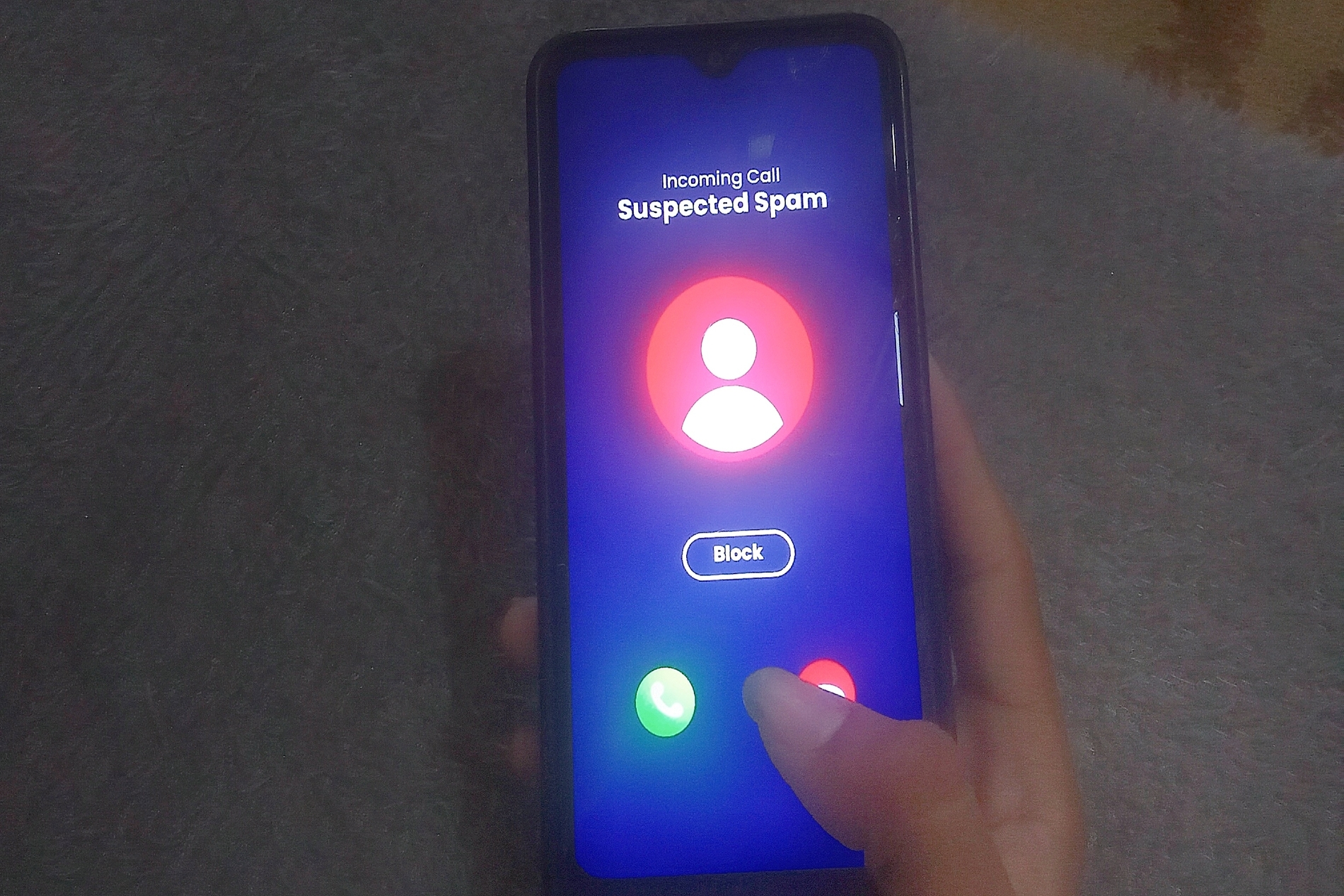
Open your Phone app, head into Settings, and look for either Filter Spam Calls or Call Screen depending on your device. Turning on spam filtering sends suspicious calls to voicemail automatically and flags them so you know what came in.
If you have a Pixel phone, the Call Screen feature is genuinely impressive. Google Assistant answers the call on your behalf, asks the caller to explain who they are, and shows you a live transcript of their response. You watch the whole thing play out and decide whether to pick up or just mark it as spam. You never have to say a word.
Let Voicemail Do the Sorting
Real callers leave voicemails. Scammers either hang up immediately or leave a robotic four-second recording. One glance at your voicemail list, which often comes with auto-generated transcriptions, tells you everything. You don’t need a paid app or a special service for any of this. The tools are already there waiting for you.