




















Credit: Shutterstock
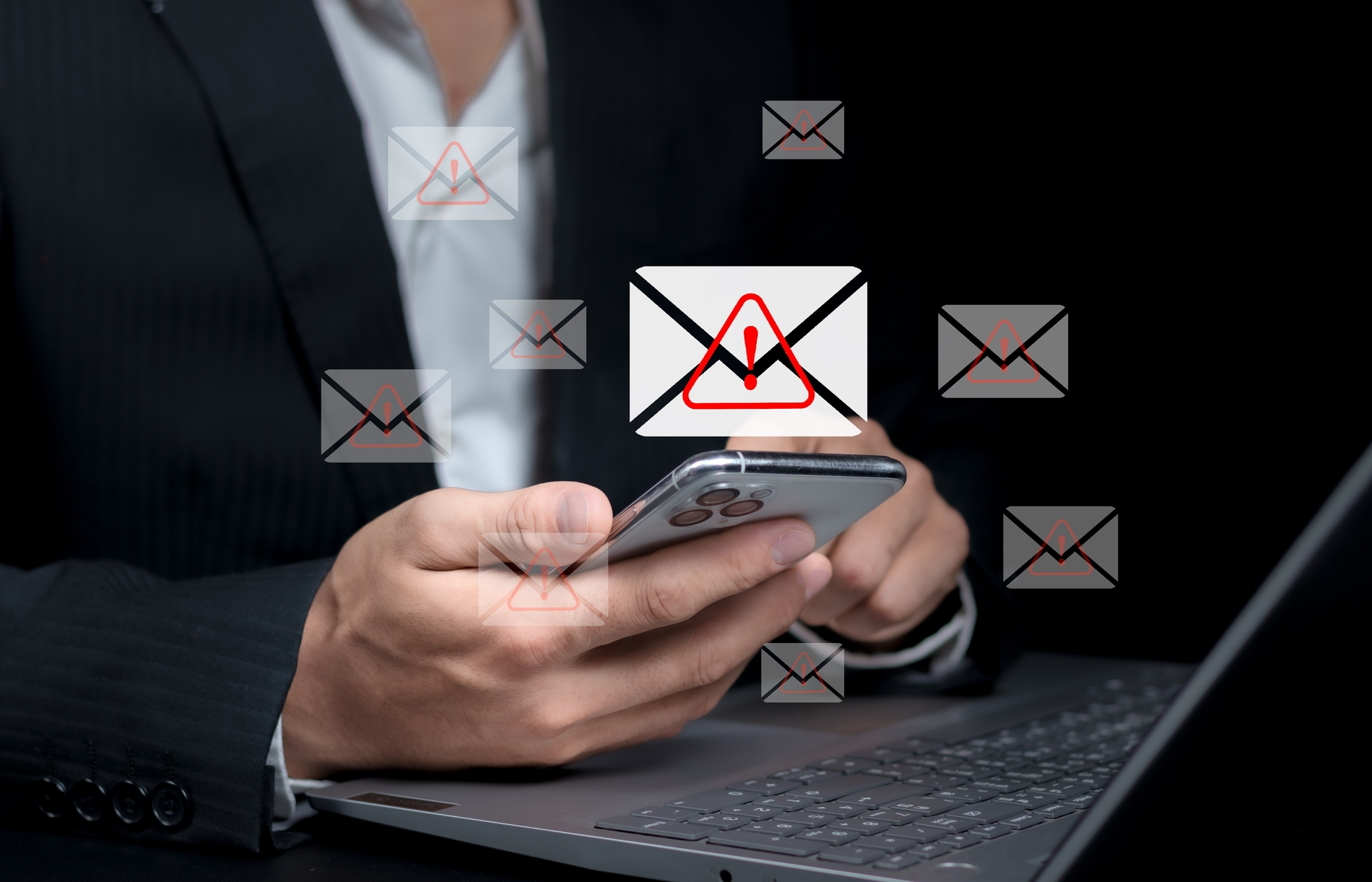
Okay, so spam emails are driving you nuts. I get it. Your inbox is a mess, and you can’t find the important stuff anymore. Nearly half of all emails these days are just junk. That’s insane.
But here’s the thing. You can actually fix this problem pretty easily. Let me show you how.
Just Mark Them as Spam
See a spam email? Mark it. That’s it.
Your email app learns what you don’t like. Next time something similar shows up, it goes straight to the spam folder. You’re basically teaching your inbox to do the dirty work for you.
Gmail has it. Outlook has it. Yahoo Mail and Apple Mail too. Find the spam button and click it. Done.
Block the Really Annoying Ones
Some spammers never give up. They keep coming back like that one person who won’t stop calling.
So block them. Open their email, click those three dots at the top, and hit block. They’re gone forever.
Stop Giving Out Your Email Like Candy
This is huge. Every time you share your email, you’re basically inviting more spam.
Online shopping? They’ll spam you. Random website signup? More spam. That free ebook download? You guessed it.
Be stingy with your real email address. Only give it to people and sites you actually trust.
Try Email Aliases
This is my favorite hack. Create throwaway email addresses for sketchy signups.
Gmail lets you do this super easily. Just add a plus sign and anything you want after your name. So if your email is john@gmail.com, use john+shopping@gmail.com for online stores.
All the emails still reach you. But if that address starts getting spammed, you know exactly who sold you out. Then you can block it.
Get Extra Protection
Your email already filters spam. But you can add more protection on top of that.
It’s like having backup. If one filter misses something, the other catches it. There are tons of free spam filters you can add.
Hit That Unsubscribe Button
Look, we all sign up for stuff we don’t need. Sales emails. Newsletters we never read. Random updates from that site we used once.
Every marketing email has an unsubscribe link at the bottom. Use it. Yeah, it takes a minute. But you’ll thank yourself later.
See If You’ve Been Hacked
Sometimes hackers steal emails and sell them to spammers. If your email got leaked, you’re going to get bombarded.
Check if your email is floating around on the dark web. Some security tools will scan for you. If you find it there, time to change passwords and tighten up your security.
Spot the Fake Emails
Not all spam looks like spam anymore. Some of it looks legit. But there are telltale signs.
They address you as “Dear Customer” instead of using your real name. The sender’s email looks weird with random letters and numbers. The grammar is terrible. They’re threatening you or offering something crazy. There are links begging you to click.
If it feels sketchy, delete it. Don’t click anything.
Start Over If You Need To
Sometimes your email is just too messed up. Too much spam. Too many problems.
Getting a new email address might sound like a pain. But honestly? Sometimes it’s easier than fighting an uphill battle.
You can forward the important stuff while you switch over. Tell your friends and family. Update your accounts one by one. This time you’ll know how to keep it clean.
Here’s What Matters
Spam doesn’t have to run your life. Mark it when you see it. Block the worst offenders. And stop handing out your email to everyone.
Your inbox should make your life easier, not harder. These tricks really work. Give them a shot and watch your spam problem shrink.